Tracker help
Step-by-step help with every part of the Audax.ie tracker, from setting up your Account to claiming an award.
First steps
- Getting startedSign in, set up your Account, add rides and follow your progress.
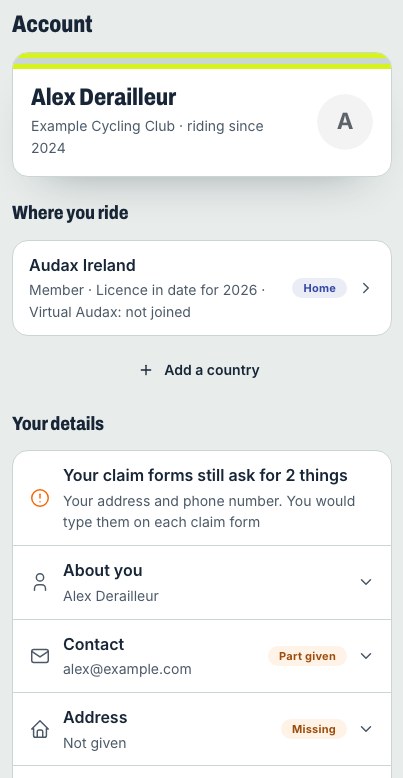
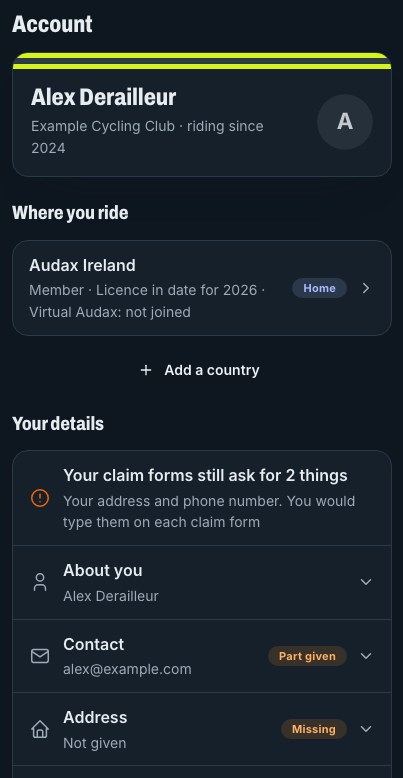
- Your AccountChoose whose events you ride, save details for forms, and manage sign-in and data.
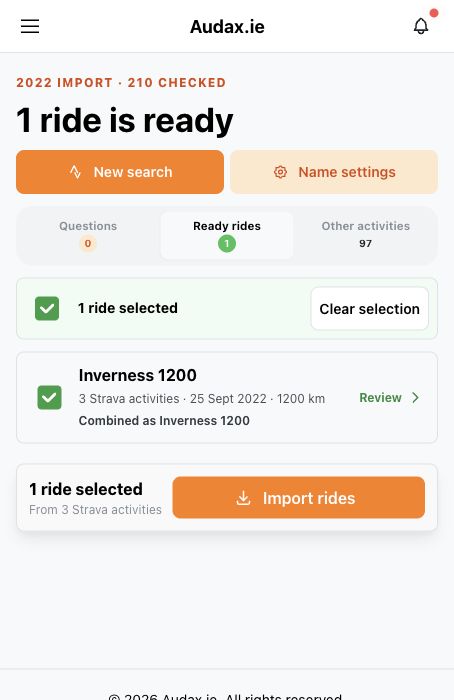
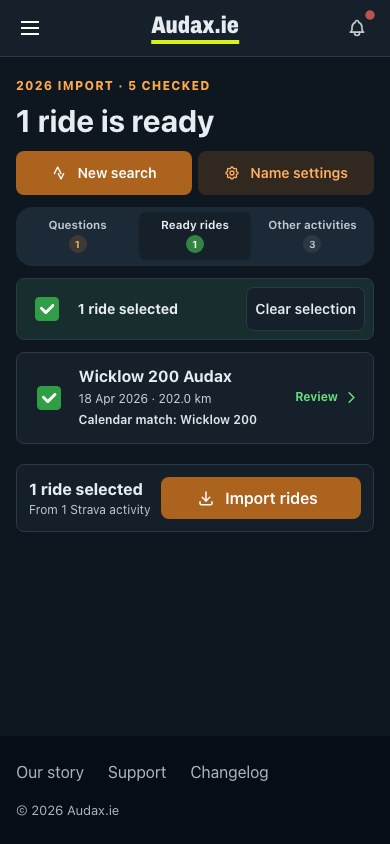
- Importing ridesImport from Strava or RideWithGPS: review matches, correct details and combine recordings.
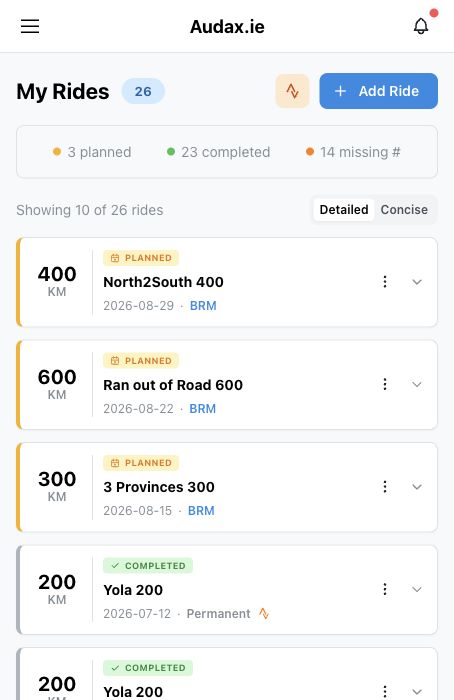
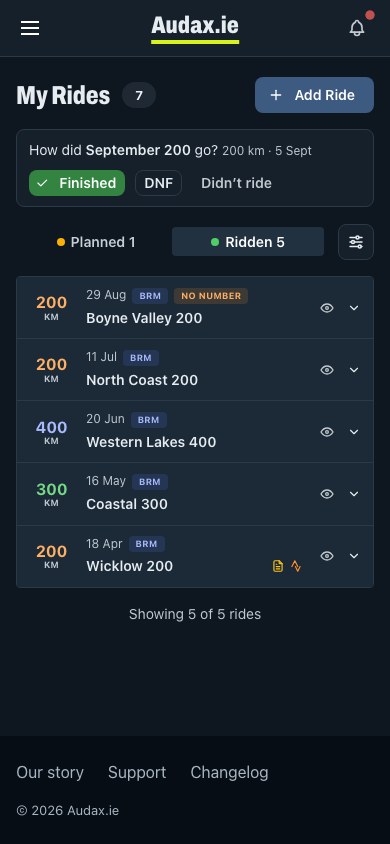
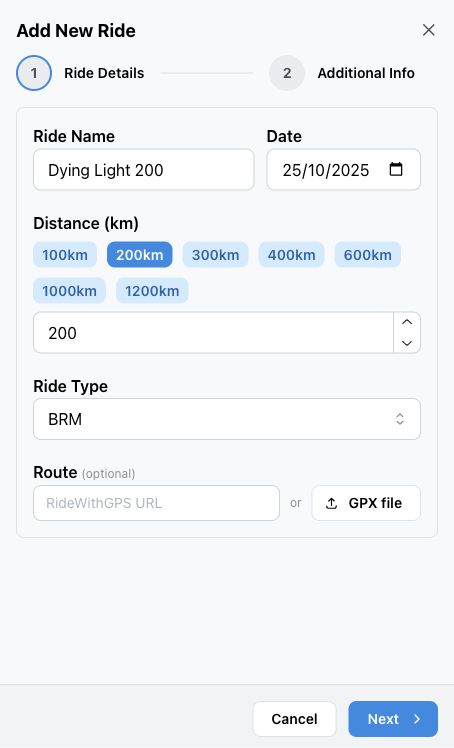
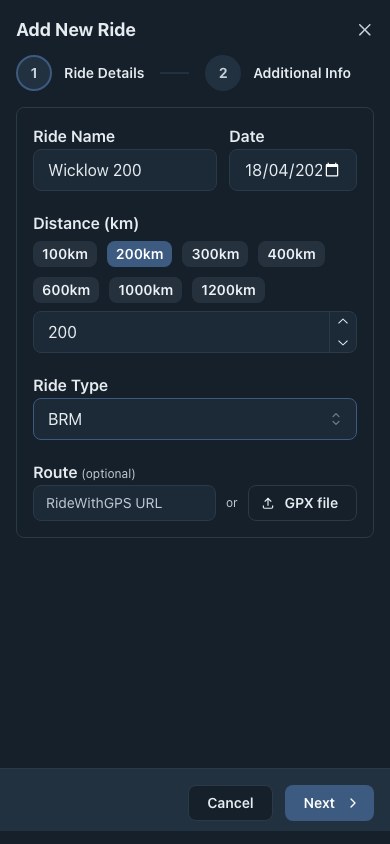
- Managing ridesAdd and find rides, plan from the calendar, and keep routes and results up to date.
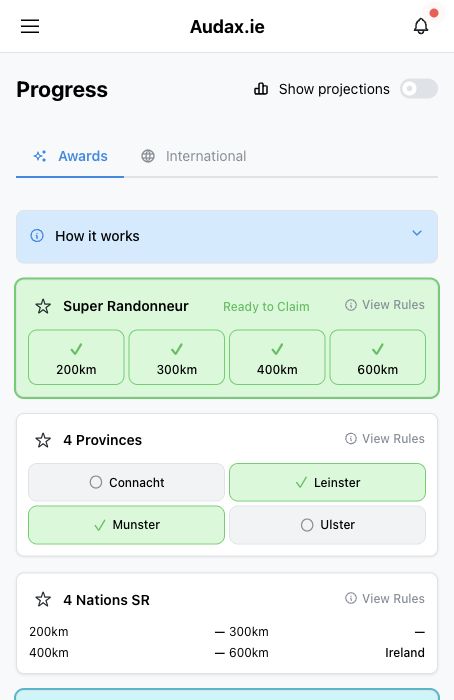
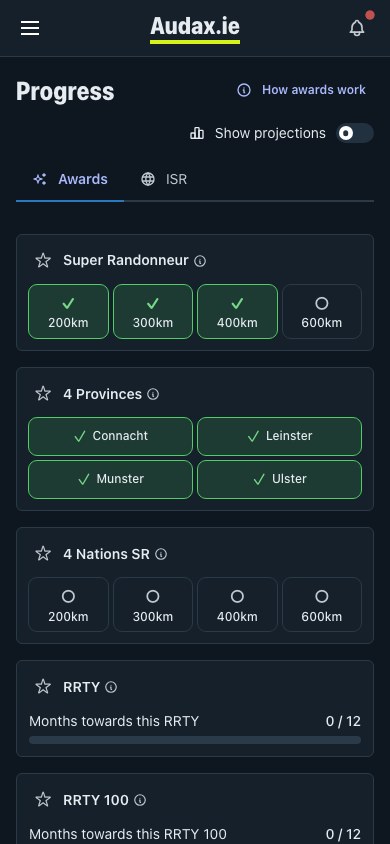
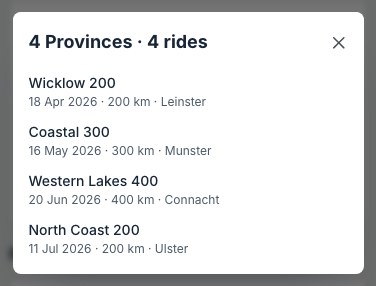
- Tracking awardsFollow your progress towards each awarding body’s awards.
- Claiming awardsGet award forms filled in with your rides, send them and keep track of claims.
More in the tracker
- Virtual Audax
Join Virtual Audax, import indoor rides, follow awards and send claims to organisers.
- Achievements & sharing
Review earned awards and riding stats, and make share images for supported road awards.
- Ride weather
The wind, rain, temperature and dark along your route, for your start and pace.
- Import & export
Back up your rides and use CSV files to add or update road rides.
- Brevet Hiberniae in the tracker
Explore landmarks, record visits, plan and check routes, and claim Brevet Hiberniae medals.
- Tips & tricks
Easy-to-miss features and time-saving workflows in the tracker.
Under the hood
- How ride matching works
How Strava and RideWithGPS recordings are matched to Audax rides.
- Everything the tracker does
Every feature, area by area, from the calendar to account controls.
Ready to try it?
Free to use. Sign in with Strava, RideWithGPS or email, then plan a first ride or bring in your history.